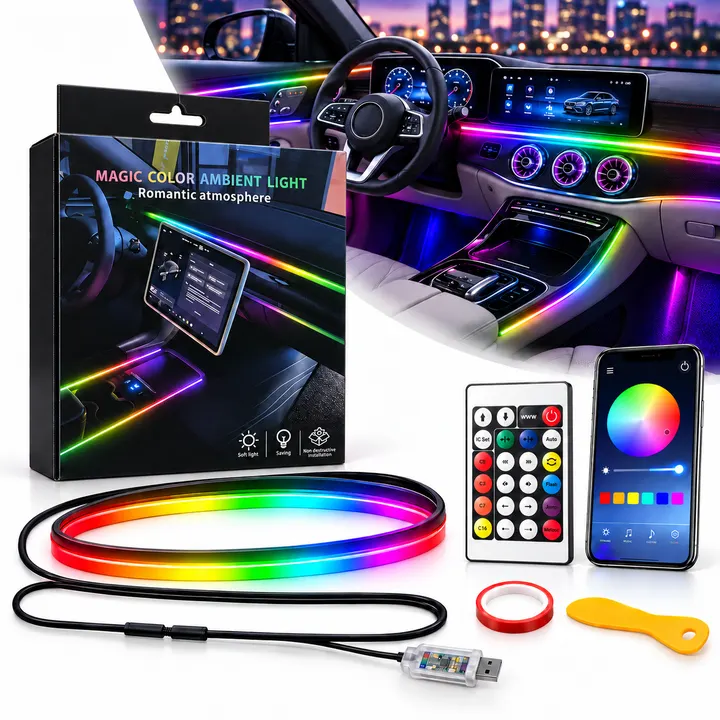
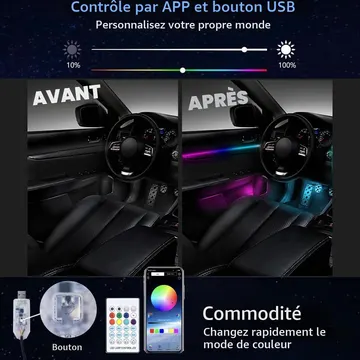
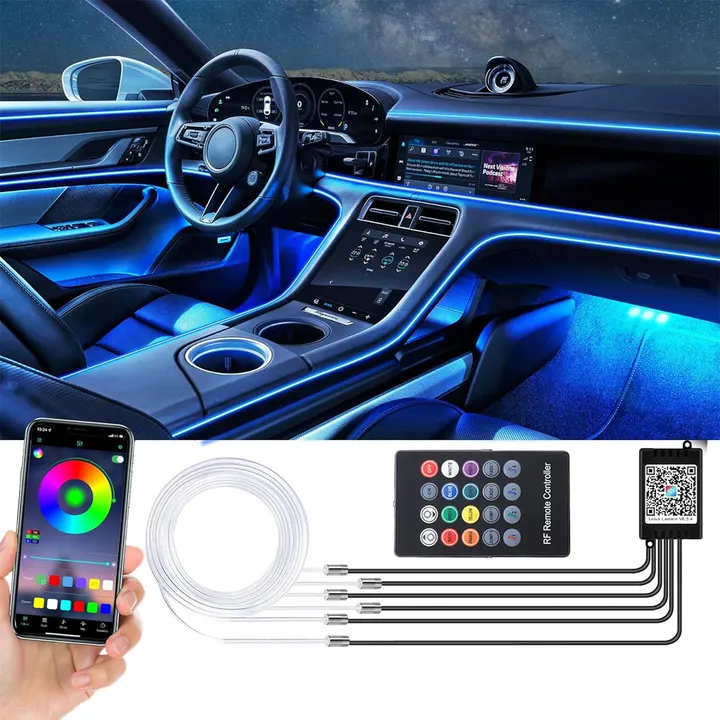
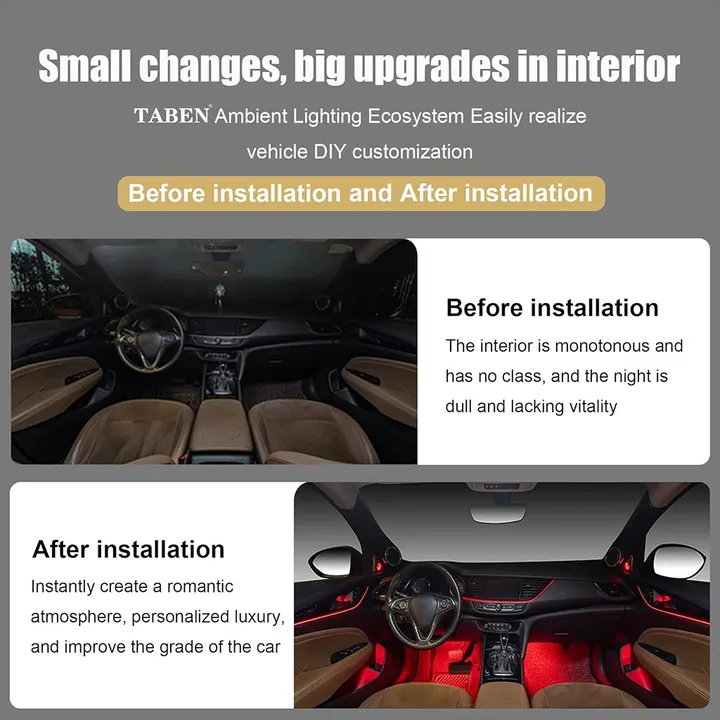
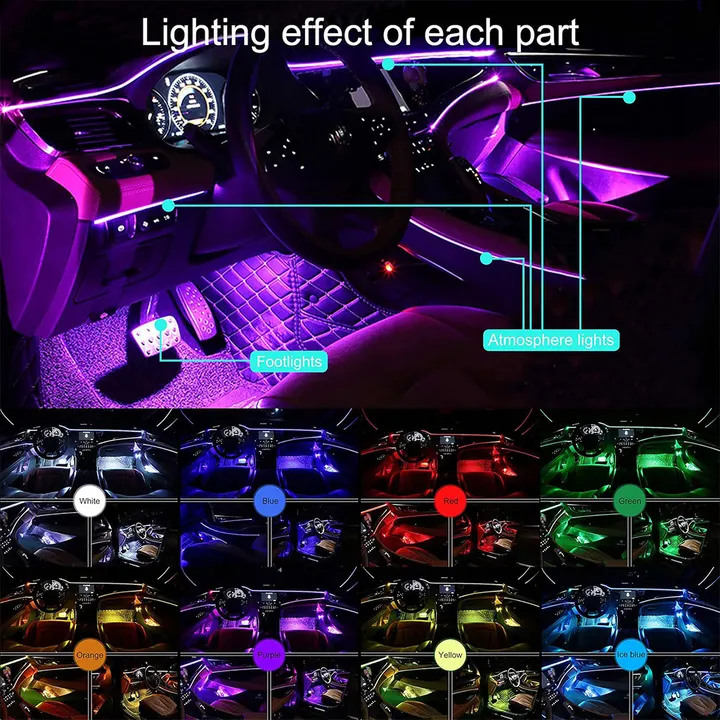
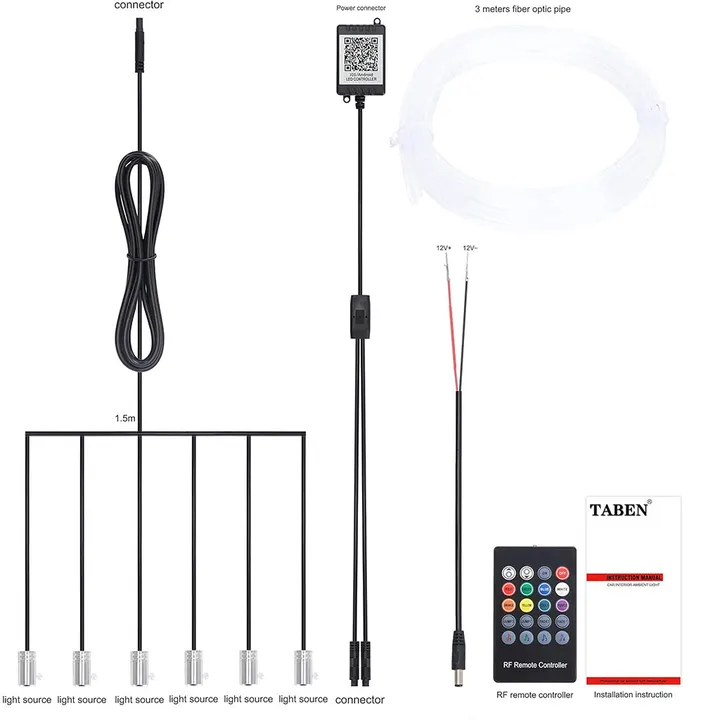
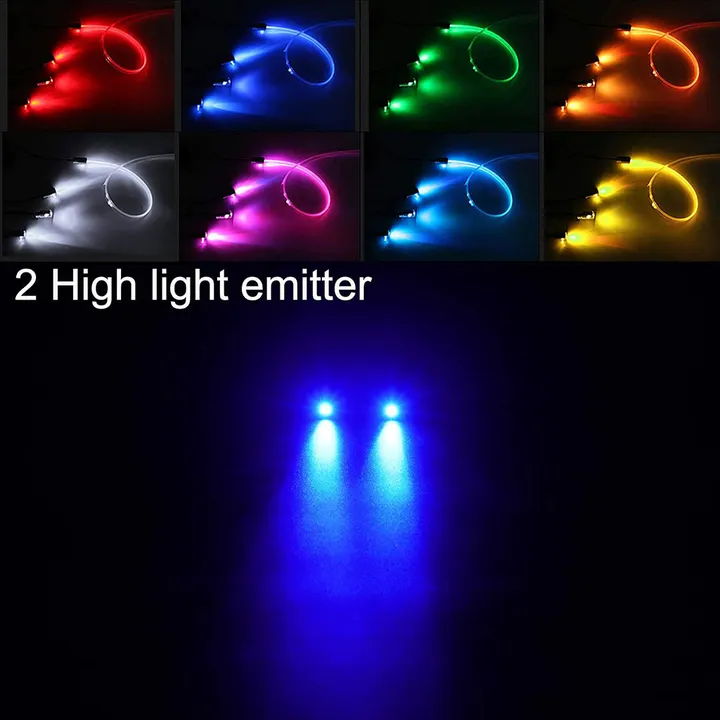
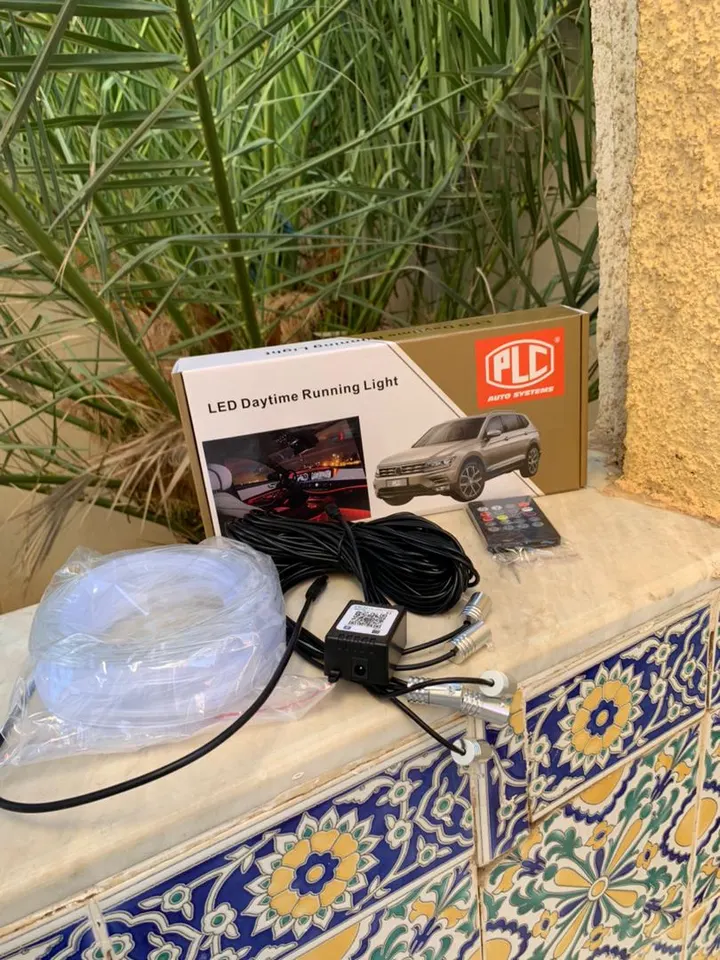
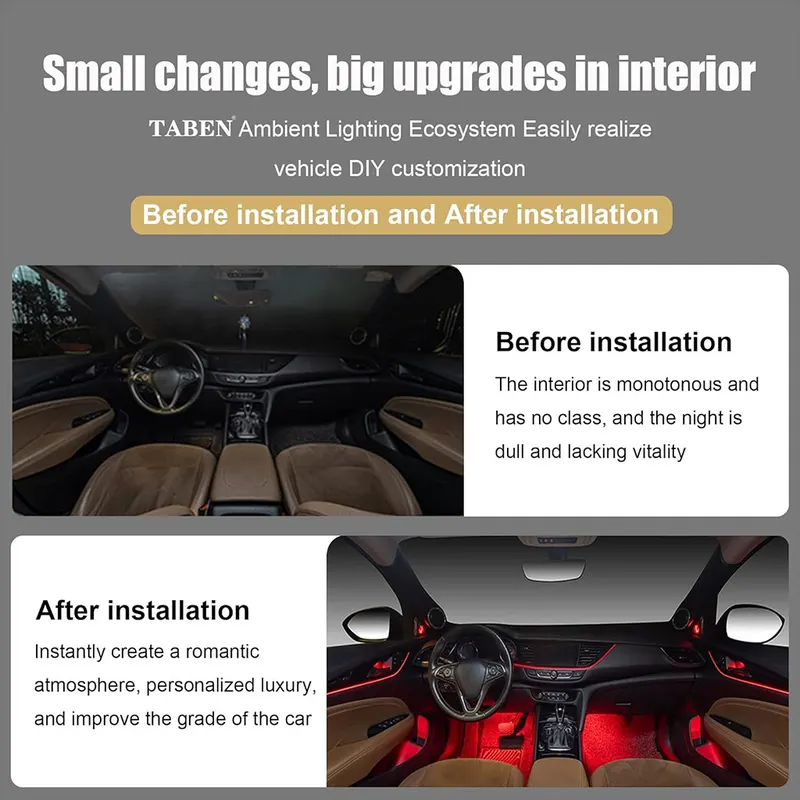
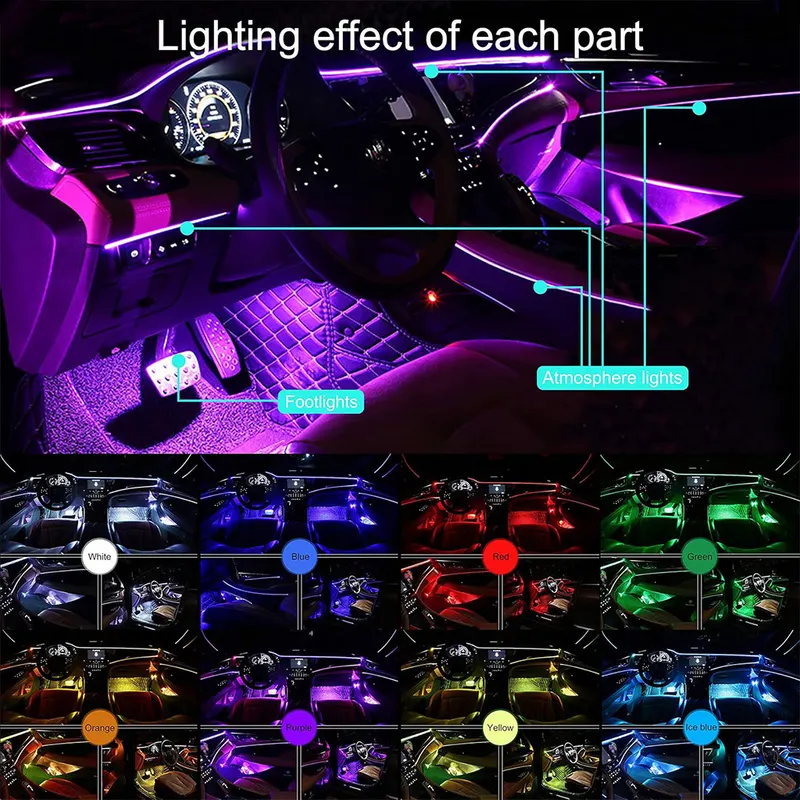
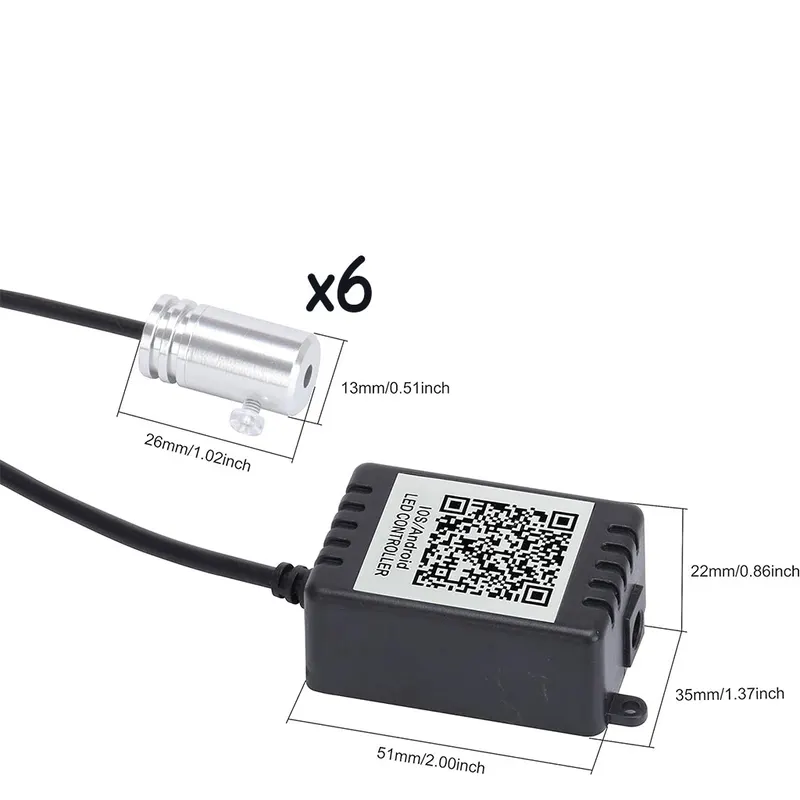
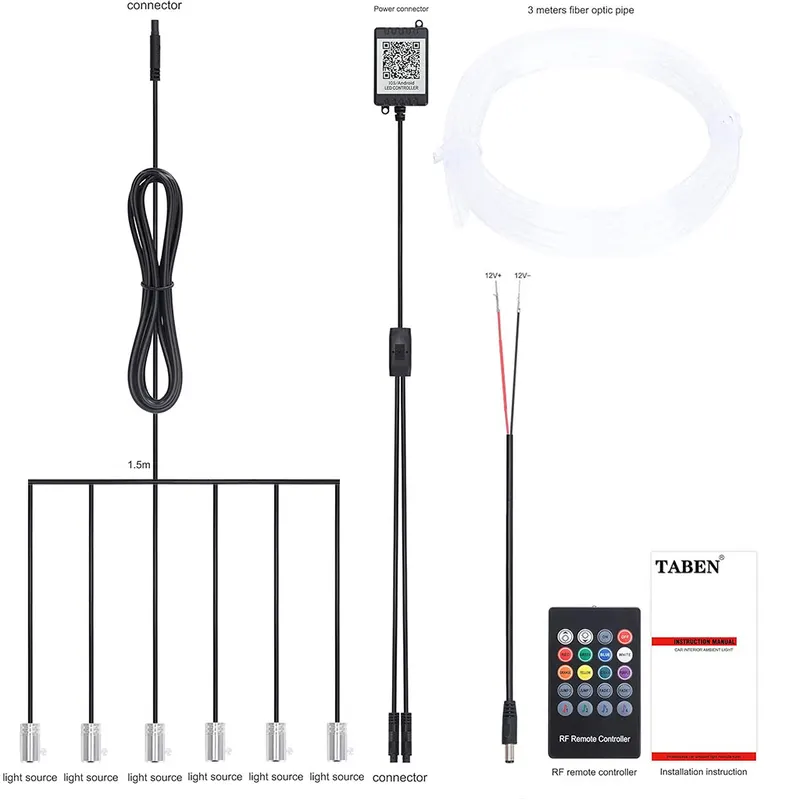
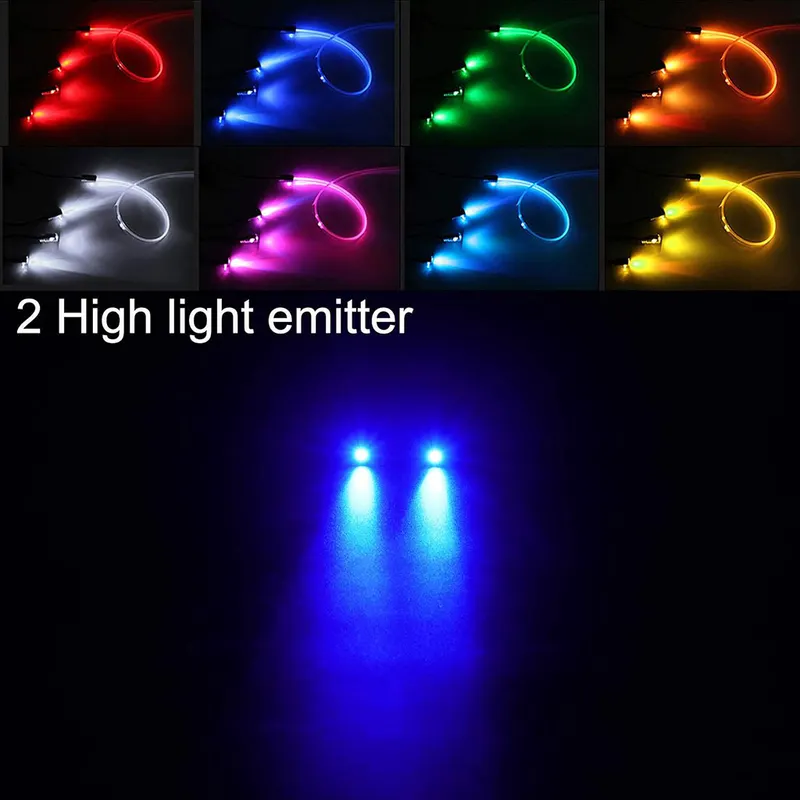
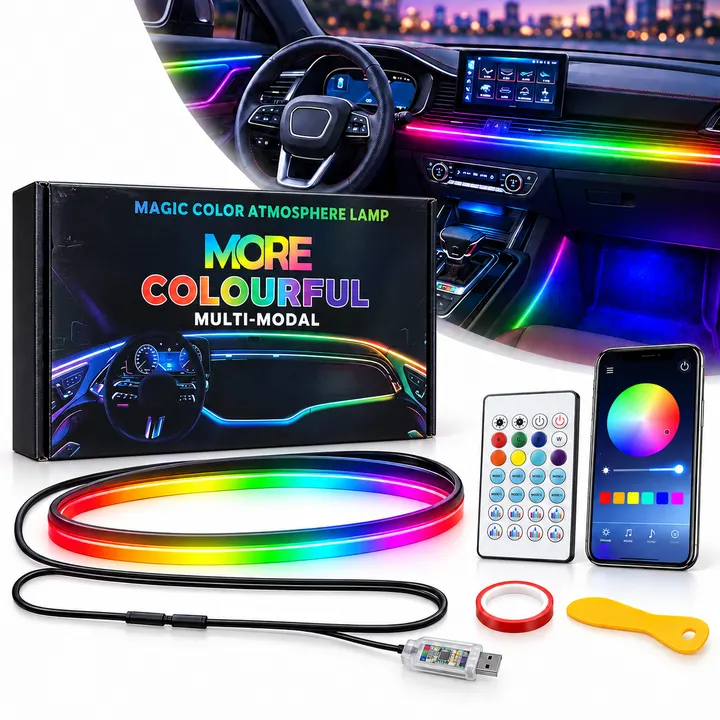
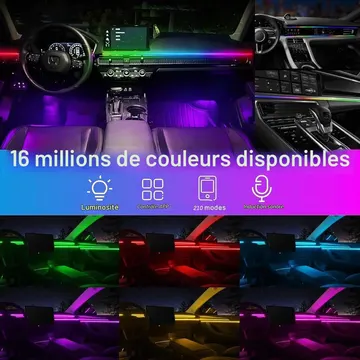
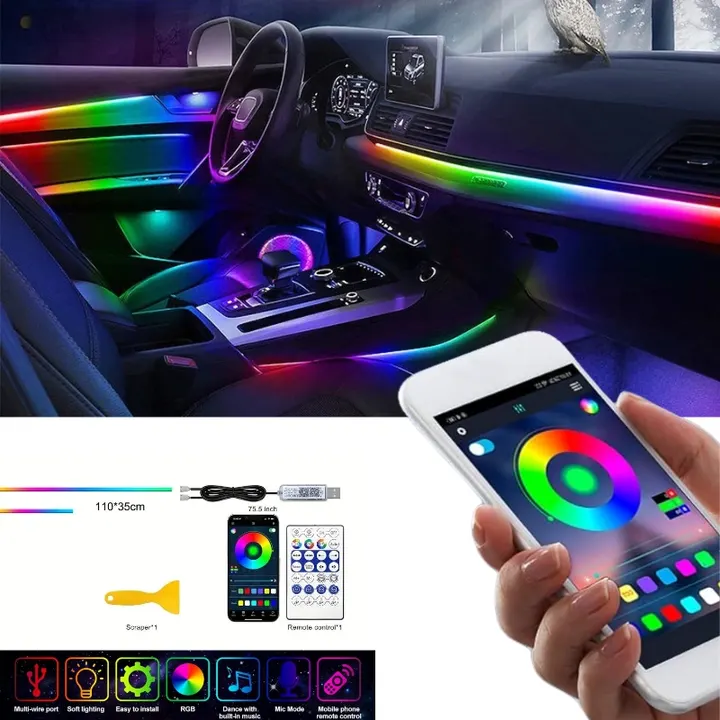
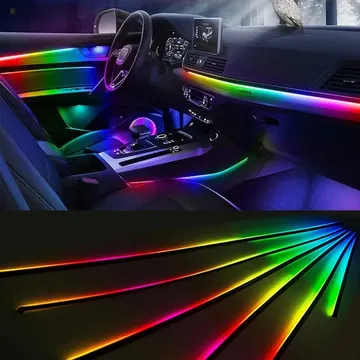
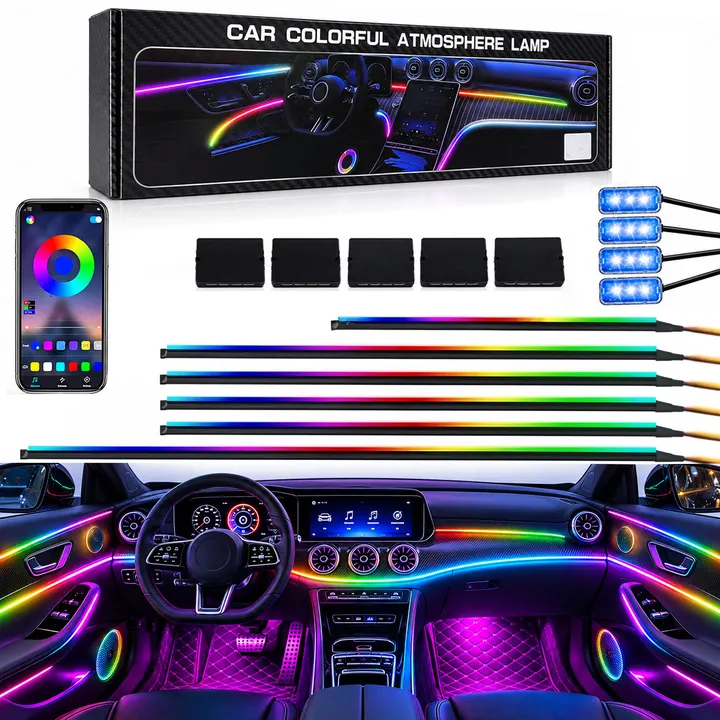
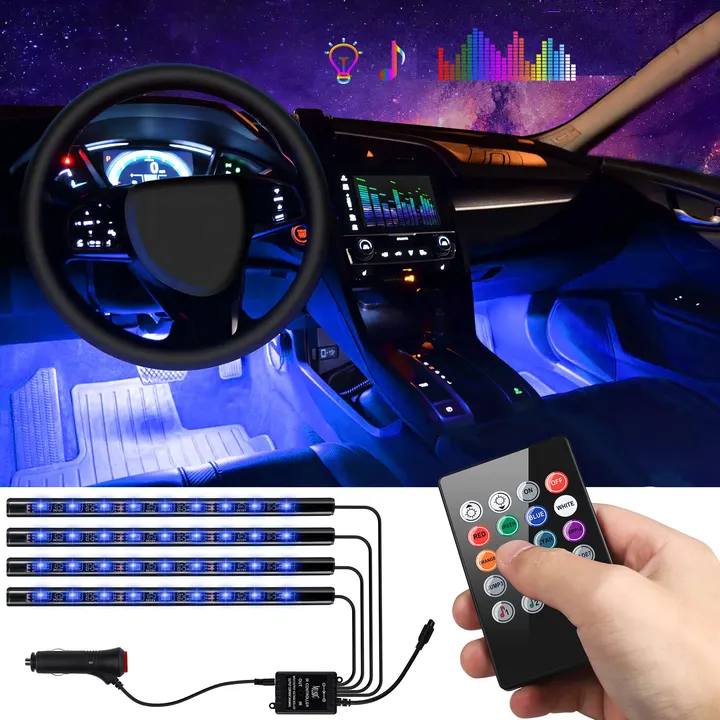
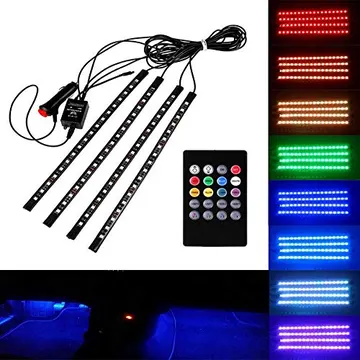
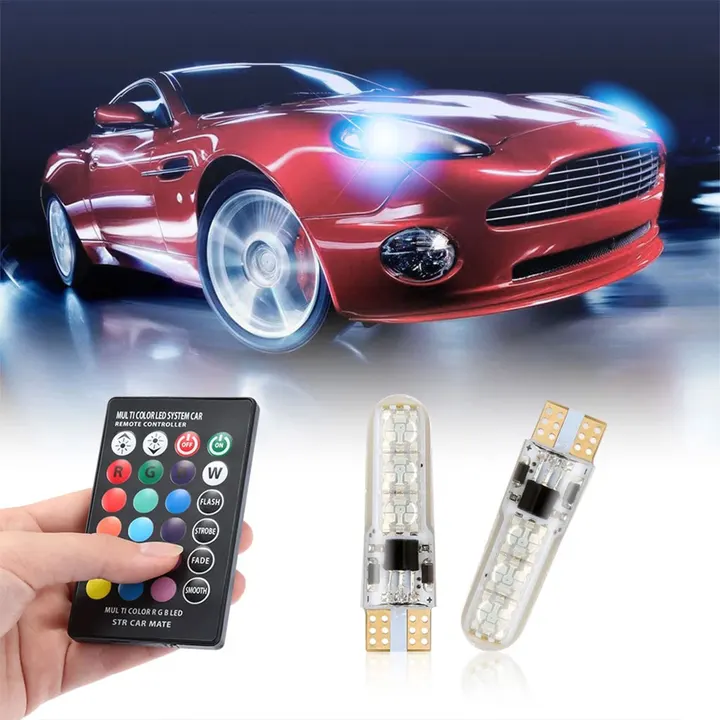
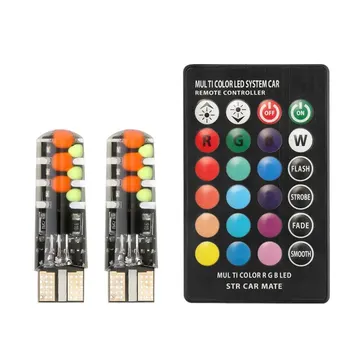
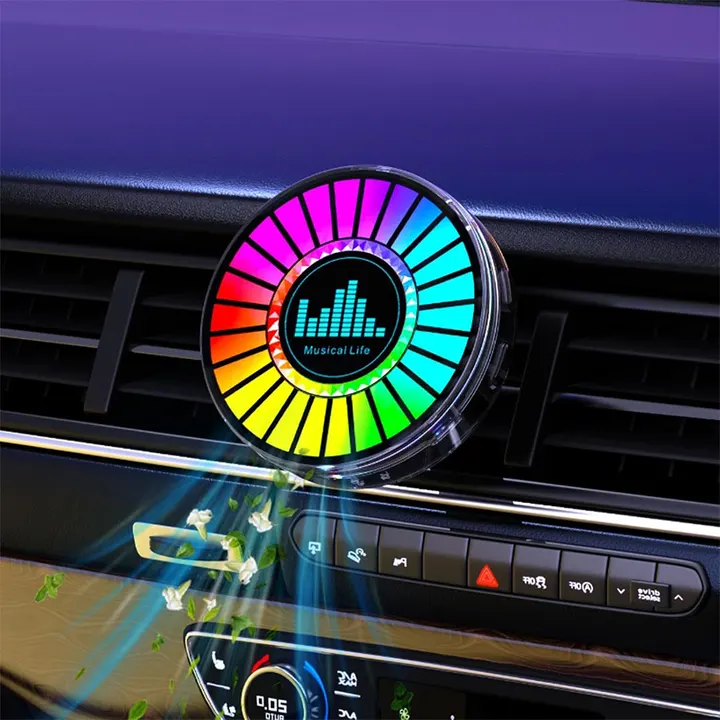
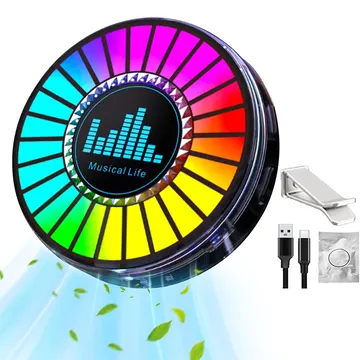
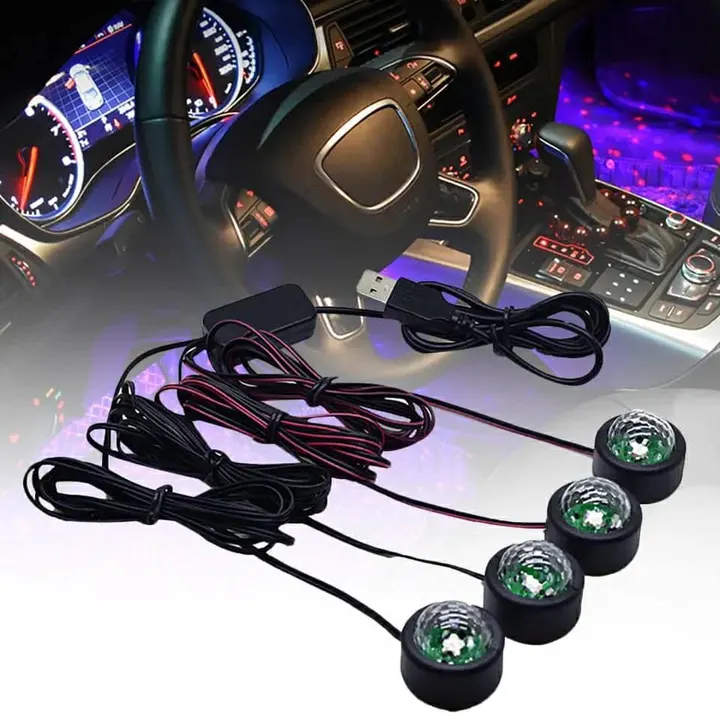
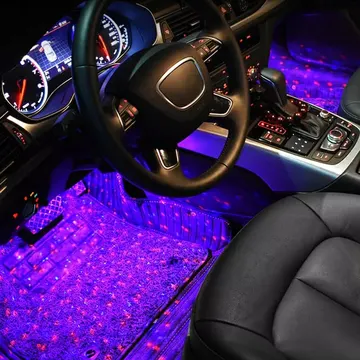
Add ambient lighting to your car interior and set colors and scenes from the app or remote control. The lights respond to music, and adjustable brightness and memory make it easy to return to your last setting.
Features
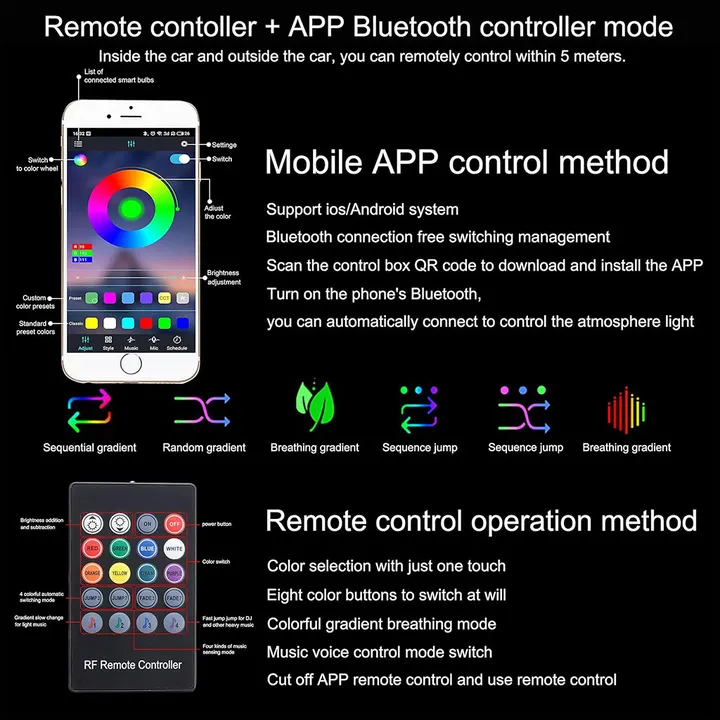
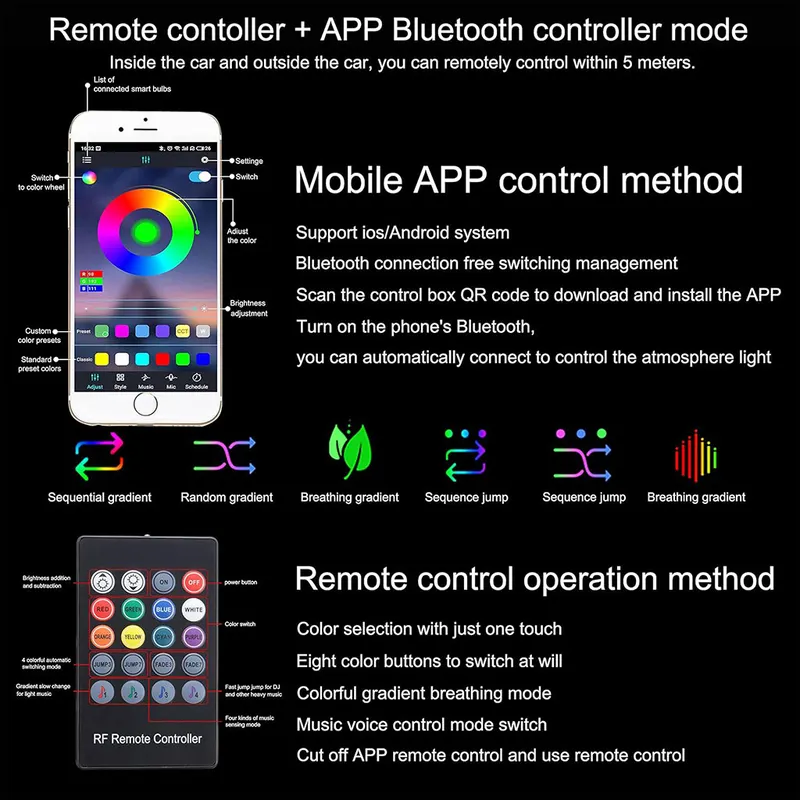
Choose and control lighting colors through the Lotus Lantern app over Bluetooth.
Set multiple scene modes, flashing, a timer, and music synchronization.
Power the lights from the car cigarette lighter socket and switch them off when not in use.
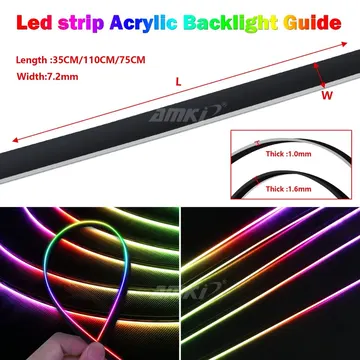
The flexible fiber optic can be cut to fit gaps in door panels.
Clips help hold the fiber optic firmly in the panel gap to reduce the chance of it coming loose.
Memory restores the last color setting when the lights are restarted.
The built-in high-sensitivity microphone makes the LED colors respond to music and ambient sounds.
Adjust brightness across multiple levels and customize it for each scene.
Specifications
Color count
64 colors
Color options
More than 16 million colors and shades through the app
App
Lotus Lantern
Connection
Bluetooth
Lighting type
LED lights with fiber optic
Fiber optic fin thickness
0.5 mm
Clip thickness
1 mm
Fiber optic insertion before cutting
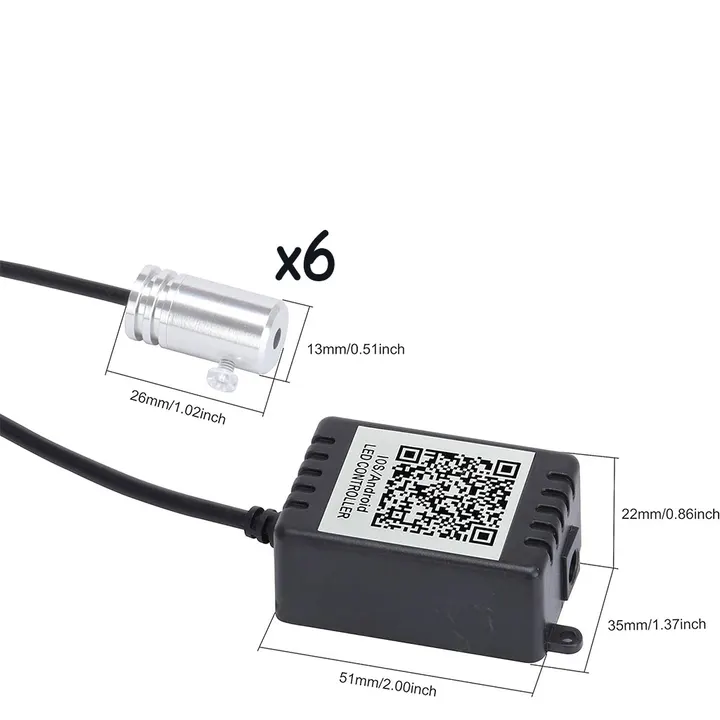
12 mm into the light source
Controls
Remote control and app
Power and operation
Car cigarette lighter socket and switch
Use and notes
Fit the fiber optic into the door panel gap using the clip and scraper.
Before cutting, insert 12 mm of the fiber optic fully into the light source, then cut the fin.
Connect the lights to the car cigarette lighter socket to turn them on. Switch them off when not in use.
Use the app over Bluetooth to set colors, scenes, brightness, timer, flashing, and music synchronization.
Set the brightness for the scene: dim lighting while a child sleeps, medium lighting while watching a film, or the brightest setting for everyday use.